

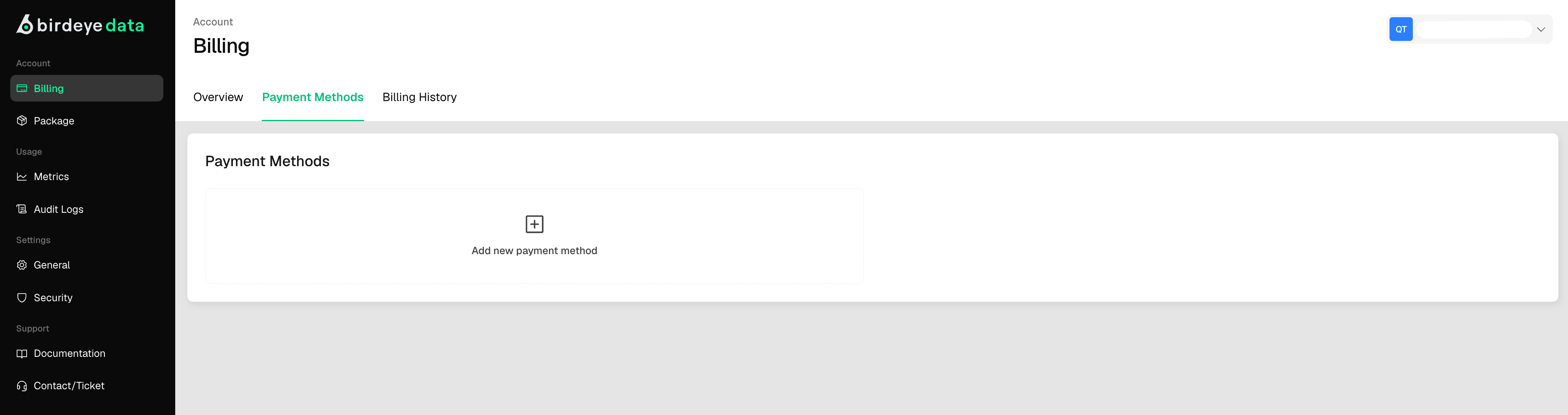
Adding a New Payment Method
- Click the “Add method” button in the center of the card.
- A secure pop-up form or redirect will prompt you to enter:
- Credit or debit card number
- Expiration date
- CVV/security code
- Billing address (optional depending on setup)
- Submit the form to securely link your payment method.
Secure Payments
- All payment data is processed through a secure, PCI-compliant provider (e.g., Stripe, Link).
- Your billing information is never stored directly in the dashboard’s frontend, ensuring security.