

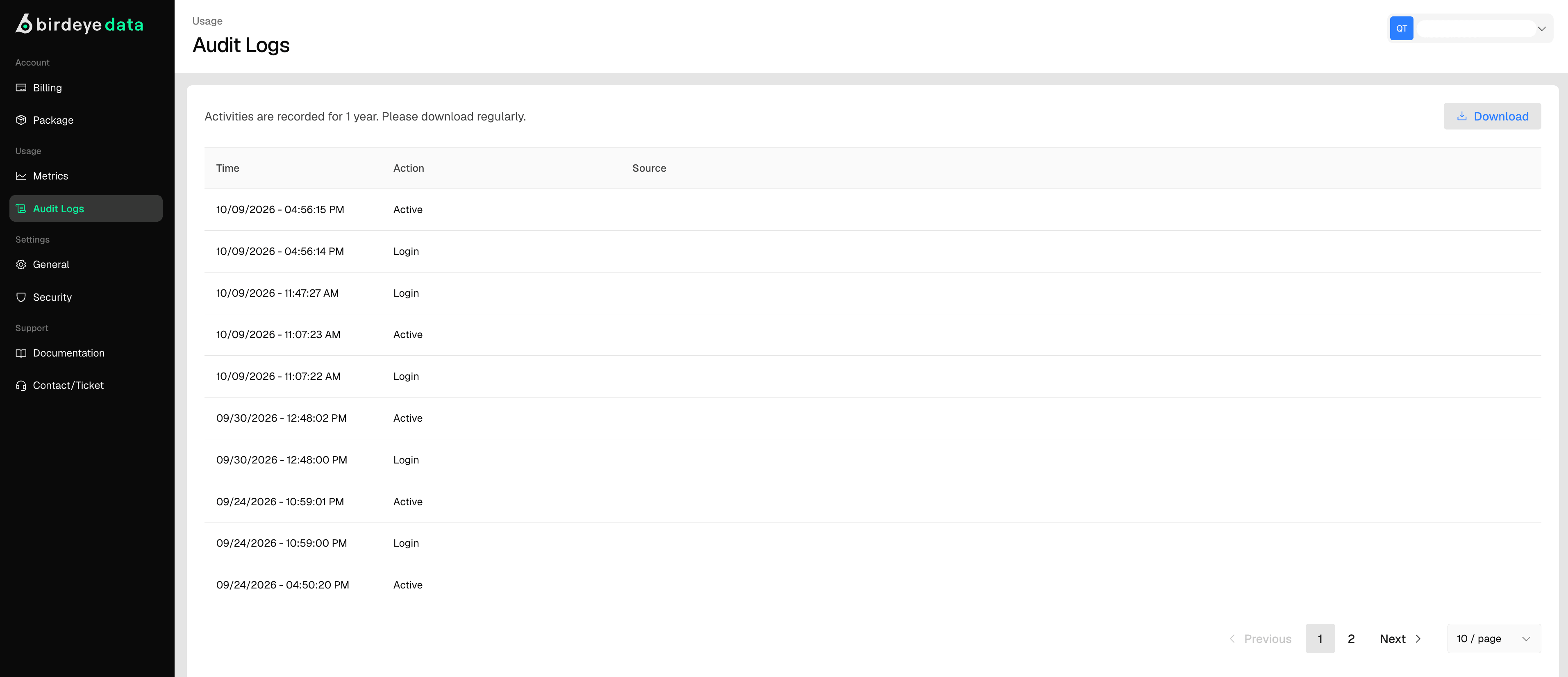
What you will see
- Activity records: logged actions such as API calls, key generation, whitelist and blacklist updates, and login events.
- Timestamps: the date and time each activity occurred.
- User info: the initiator of the action, such as an email or user ID.
Downloading logs
Click Download in the top right corner to export logs for backup or review. Logs are downloadable in formats such as .csv or .json, depending on system settings.Retention policy
Logs are kept for 1 year. Download your logs regularly so you have historical records before they expire.