

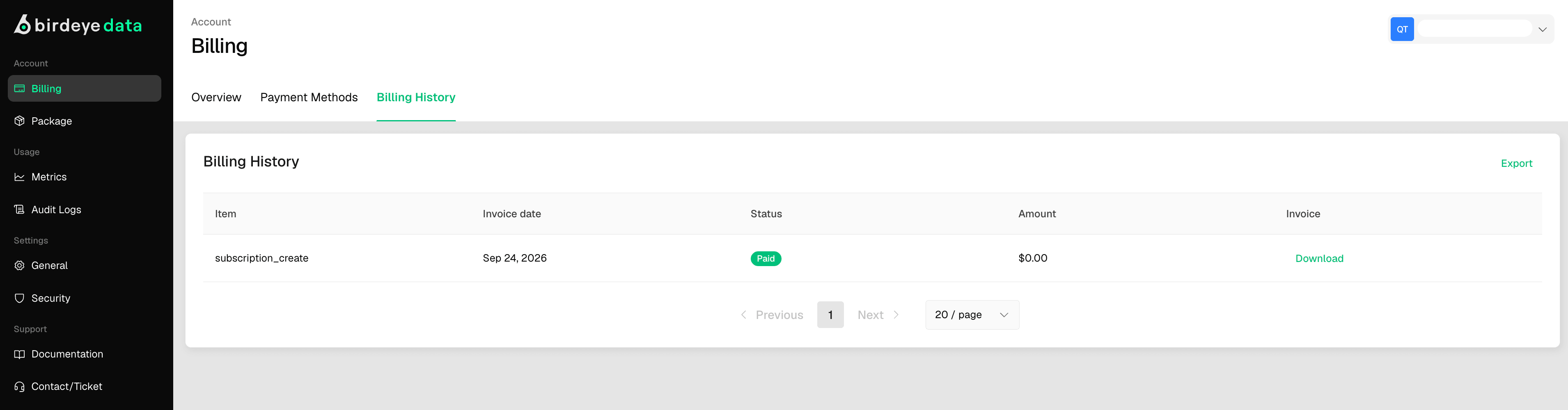
Transaction Table Overview
The table includes the following columns:Downloading an Invoice
- Click the download icon on the far right of any row to retrieve the invoice associated with that transaction.
- Useful for accounting, reimbursements, or internal documentation.
Best Practices
- Review billing records monthly to ensure all charges are as expected.
- Download and archive invoices for financial audits or tax purposes.
- Verify payment methods and ensure they are up to date to avoid failed transactions.