

- Create or sign in to your account at Birdeye Data.
- In the left sidebar, under
Settings, open theSecuritytab. - Click
Generate key, name your app, and copy the key. - Send the key in the
X-API-KEYheader and the network in the X-Chain header on every request.
1. Sign in or create your Birdeye Data account
Go to the sign-in page. If you already have an account, sign in with your email and password, then go to step 2.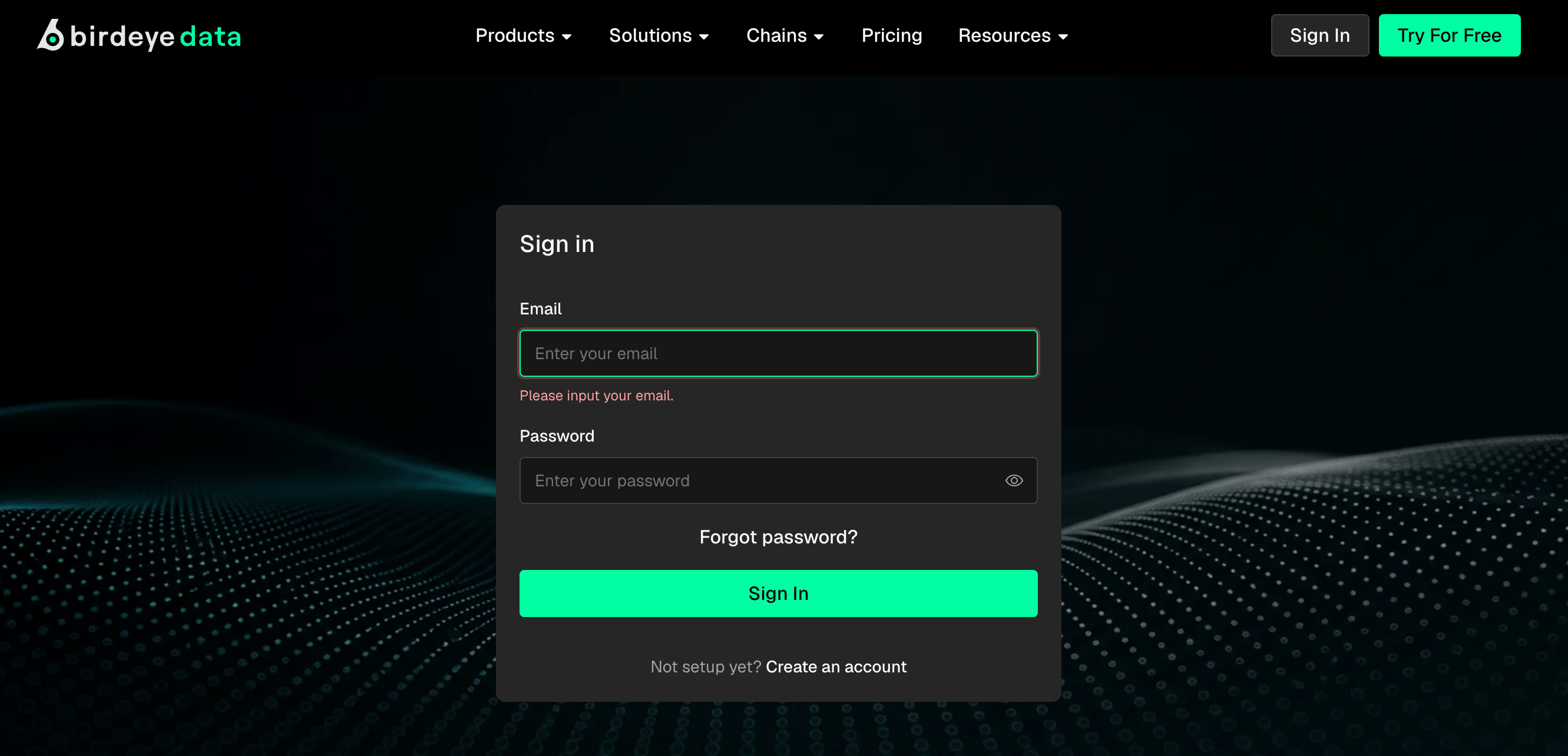
- Click
Create an accountat the bottom of the sign-in form.
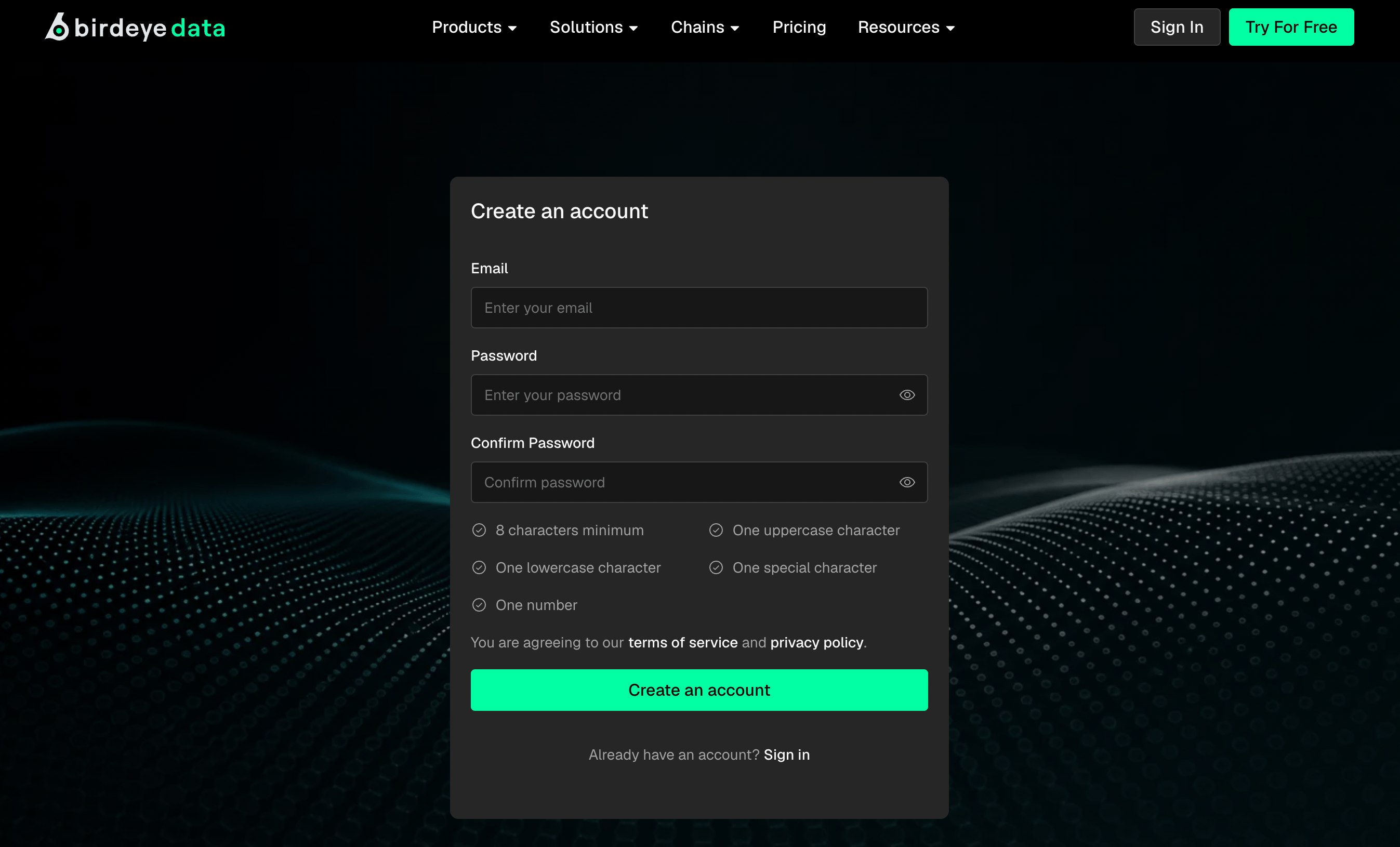
- Enter your email and a password, then click
Create an account. A message tells you to check your inbox. - Open the verification email from Birdeye Data and click
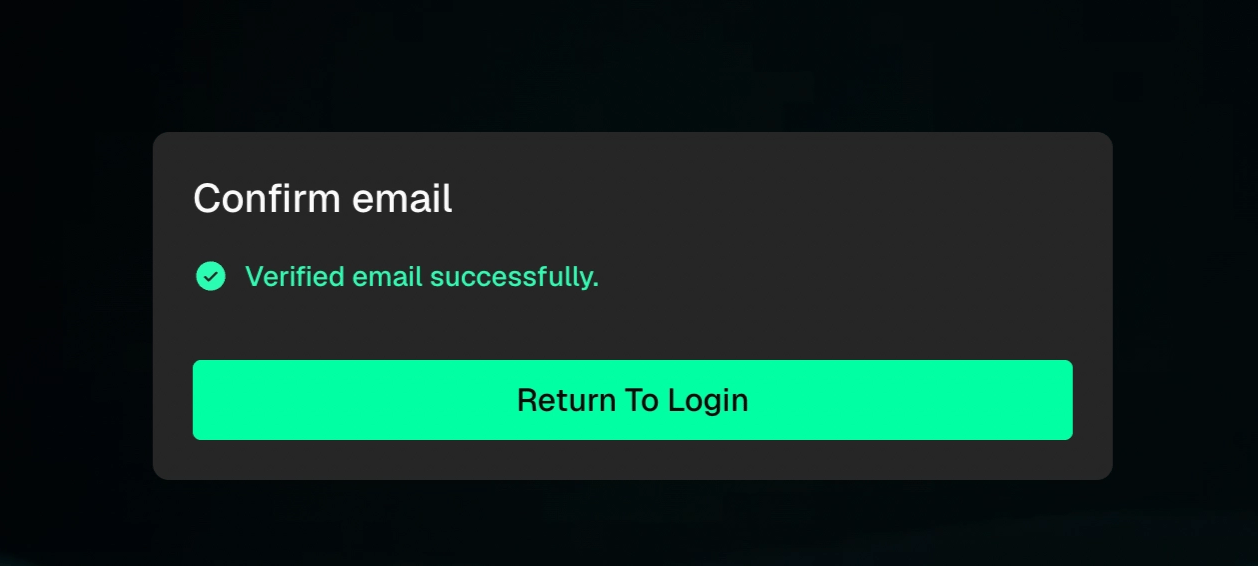
Verify. - Upon successful verification, click
Return to Login, and then sign in to open the dashboard.
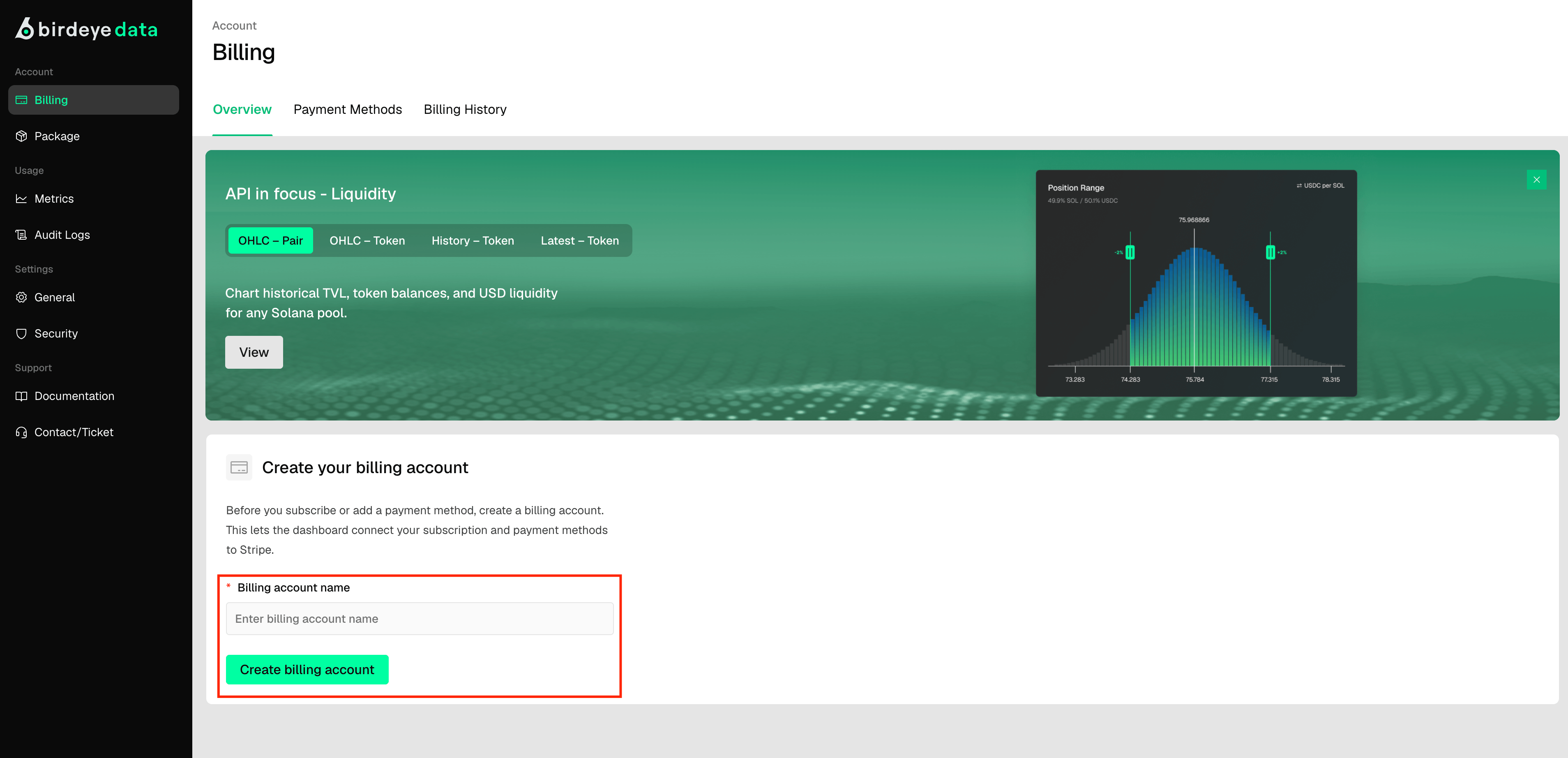
- At the bottom left of the dashboard, find Create your billing account. Enter an account name, then click
Create billing account.
2. Generate an API key
- In the left sidebar, under
Settings, clickSecurity. - In the Authentication key section, click
Generate key
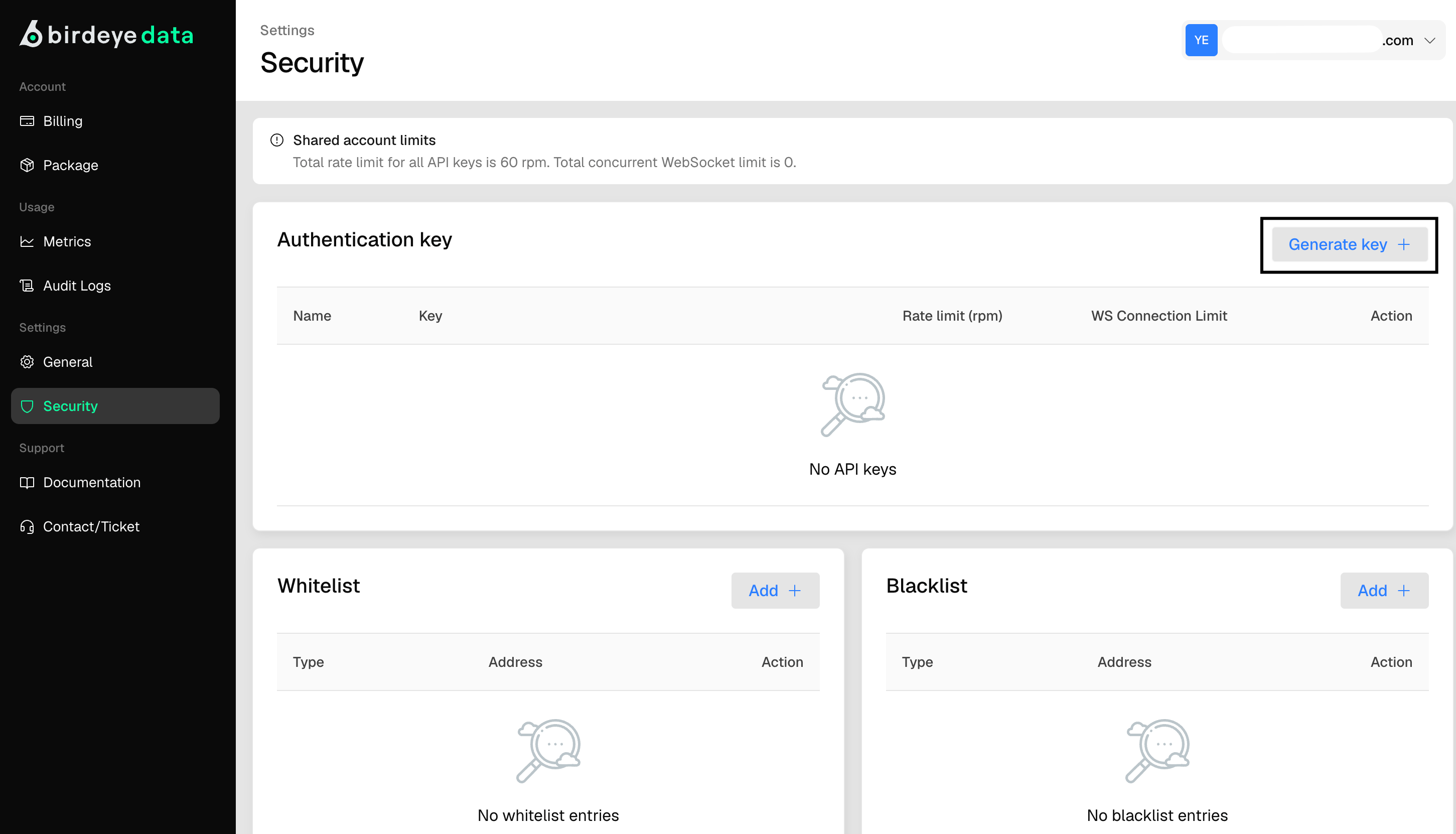
- Enter an App name, then click
Generate. - Find the new key in the table. Click the
eye iconto reveal it, or thecopy iconto copy it.
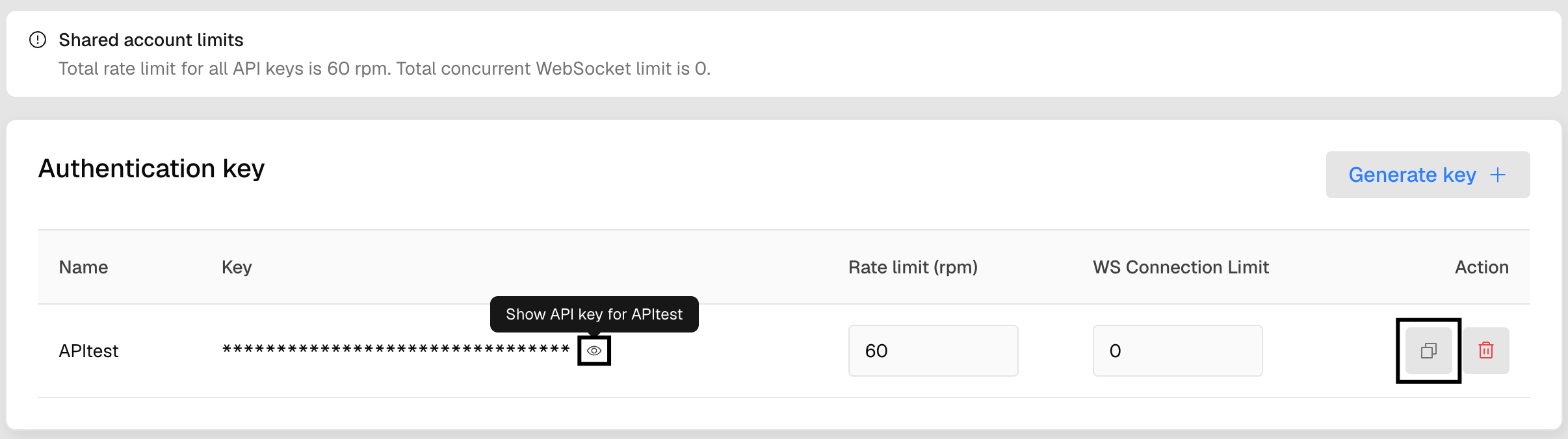
- Store the key somewhere secure. Anyone with your key can spend your Compute Units.
3. Make your first request
This request returns the current price of SOL. Replace YOUR_API_KEY with the key you copied.4. Next steps
- Read Authentication
- Check which endpoints your plan includes in Data Accessibility by Packages.
- Check endpoint pricing in Compute Unit Cost.