> ## Documentation Index
> Fetch the complete documentation index at: https://data.birdeye.so/docs/llms.txt
> Use this file to discover all available pages before exploring further.
# Billing History
> A detailed log of all financial transactions related to your subscription
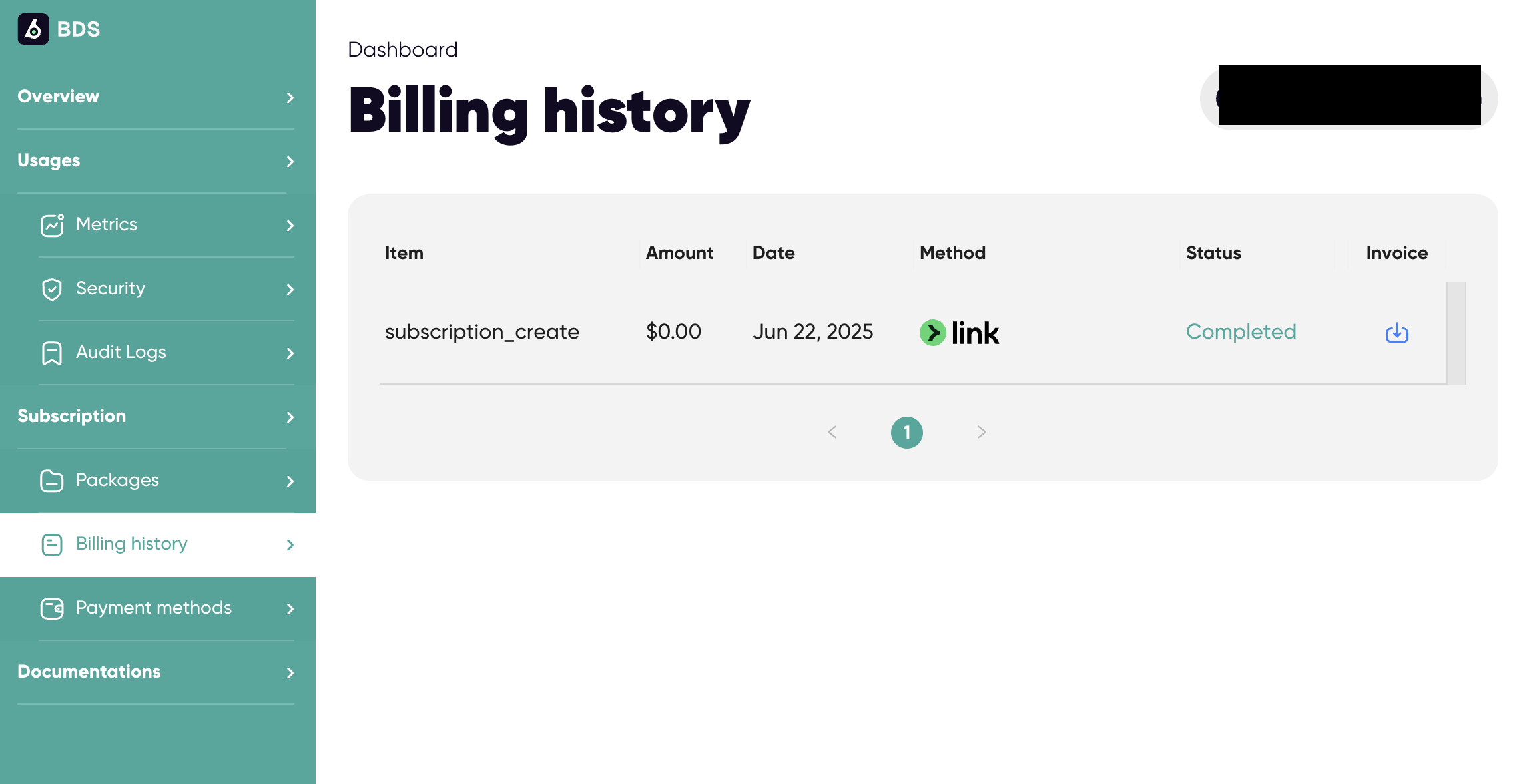
The Billing History section provides a detailed log of all financial transactions related to your Birdeye Data subscription. It helps users track payments, verify completed transactions, and download invoices when needed.
 ## Transaction Table Overview
The table includes the following columns:
| Column | Description |
| ------- | ---------------------------------------------------------------- |
| Item | Describes the transaction type (e.g., subscription\_create) |
| Amount | Cost of the transaction (e.g., \$0.00) |
| Date | When the transaction occurred (e.g., Jun 22, 2025) |
| Method | Payment method used (e.g., Link) |
| Status | Transaction status (e.g., Completed) |
| Invoice | Option to download the invoice PDF by clicking the download icon |
## Downloading an Invoice
* Click the download icon on the far right of any row to retrieve the invoice associated with that transaction.
* Useful for accounting, reimbursements, or internal documentation.
## Best Practices
* Review billing records monthly to ensure all charges are as expected.
* Download and archive invoices for financial audits or tax purposes.
* Verify payment methods and ensure they are up to date to avoid failed transactions.
## Transaction Table Overview
The table includes the following columns:
| Column | Description |
| ------- | ---------------------------------------------------------------- |
| Item | Describes the transaction type (e.g., subscription\_create) |
| Amount | Cost of the transaction (e.g., \$0.00) |
| Date | When the transaction occurred (e.g., Jun 22, 2025) |
| Method | Payment method used (e.g., Link) |
| Status | Transaction status (e.g., Completed) |
| Invoice | Option to download the invoice PDF by clicking the download icon |
## Downloading an Invoice
* Click the download icon on the far right of any row to retrieve the invoice associated with that transaction.
* Useful for accounting, reimbursements, or internal documentation.
## Best Practices
* Review billing records monthly to ensure all charges are as expected.
* Download and archive invoices for financial audits or tax purposes.
* Verify payment methods and ensure they are up to date to avoid failed transactions.